07 / COOLING
Air or Liquid Cooling? Clearly Explained
A CPU cooler isn’t only about temperature — noise, looks and maintenance count too.
A CPU cooler has to tame your CPU and fit inside your case. Air coolers are hassle-free and durable; liquid coolers have the edge under heavy loads and on looks.
What a CPU cooler does
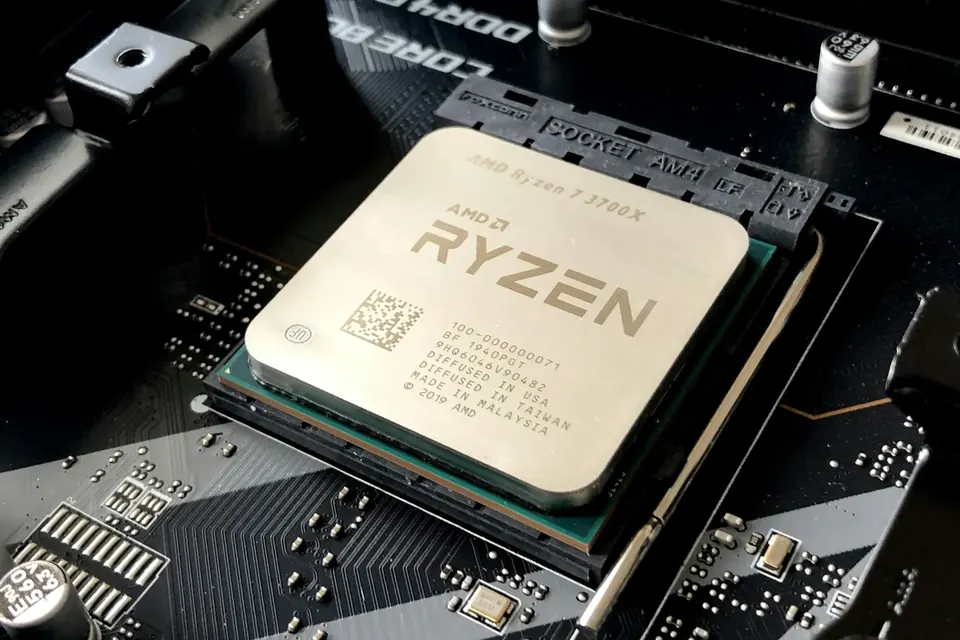
A CPU heats up as it works. The cooler draws that heat away from the CPU’s lid and hands it over to the air to be carried off. When temperatures climb, the CPU automatically lowers its clock speed to protect itself, which affects both performance and noise.
Cooling performance isn’t only about the cooler itself. Case airflow, room temperature, thermal paste application and CPU power settings all affect the final temperature. With Singapore’s warm rooms, it’s worth leaving a little extra cooling headroom.
Air coolers: simple and reliable
An air cooler is made up of heat pipes, fins and fans. It’s simple, contains no liquid, needs almost no maintenance and lasts a long time. A mid- to high-end dual-tower air cooler handles mainstream gaming CPUs with ease.
The downside is size: you’ll need to check the case’s cooler height clearance and your memory height, and it doesn’t look as clean as a liquid cooler. If stability and peace of mind matter most to you, an air cooler is still an excellent choice.
AIO liquid coolers: efficient and good-looking
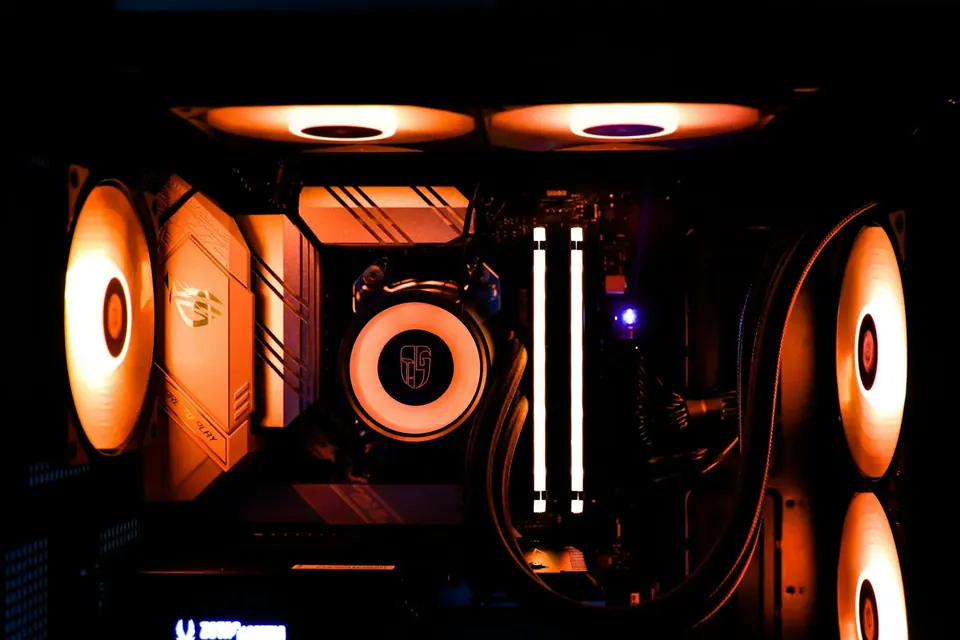
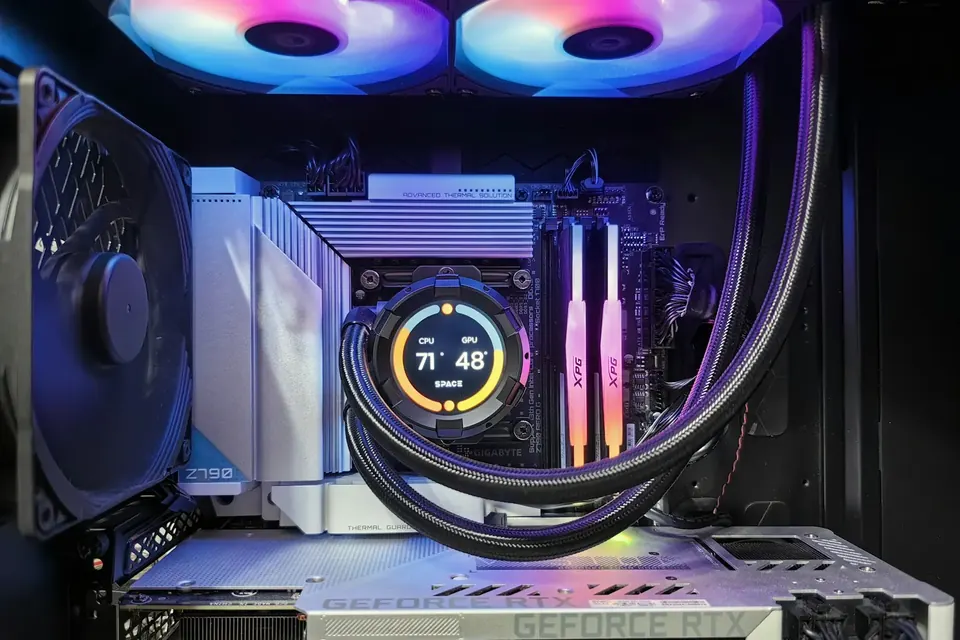
An all-in-one liquid cooler absorbs heat at the pump head; the pump moves coolant to the radiator, where fans dissipate it. A 360mm radiator has a large surface area, suits processors under heavy load and keeps the area around the CPU uncluttered. Many pump heads even have a screen that can show temperatures or custom images.
Because an AIO has a pump, long-term use brings lifespan and noise considerations, and mounting position matters too: ideally, the pump shouldn’t sit at the highest point of the loop. Before installing, confirm the radiator sizes and thicknesses your case supports.
Which suits you better?
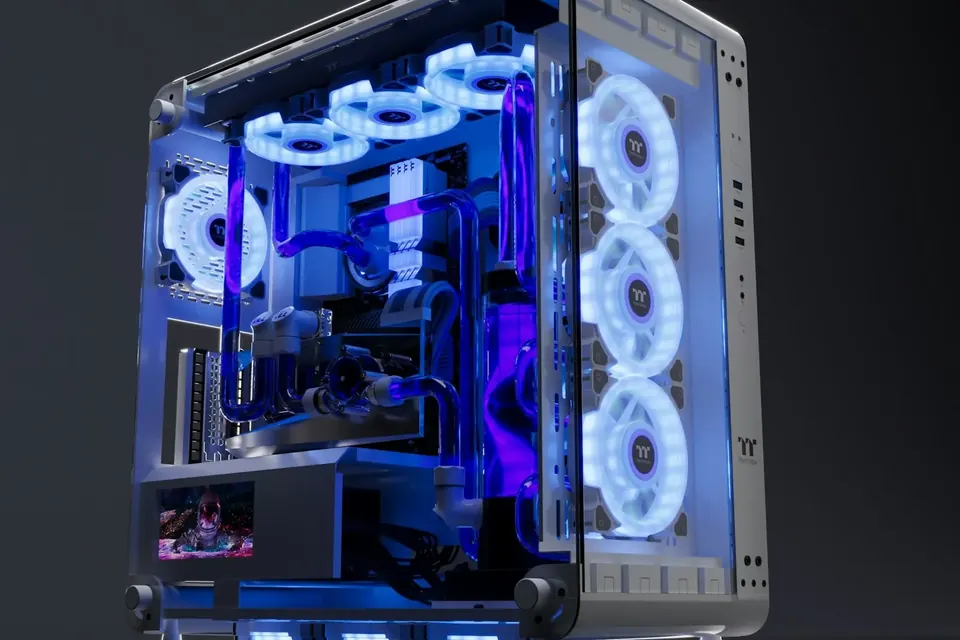
For a mainstream gaming build, a good air cooler or a 240/360mm AIO is plenty; for multi-core, heavy-load processors such as the R9-9950X3D, we recommend a 360mm AIO. In a white panoramic glass case, an AIO with a screen looks far more striking.
Whichever you choose, make sure the mounting supports AM5 and the cooler fits the case. If you’re unsure which cooler to choose when building with PulseForge, ask our team first and we’ll check it against your case and CPU with you.
This guide offers general buying advice. Examples reference our hardware catalogue and do not reflect live stock or guarantee the performance of any specific model. Manufacturer specifications govern compatibility; prices and available options are as shown in the build configurator.