
Help Centre · 9 common questions
Frequently Asked Questions
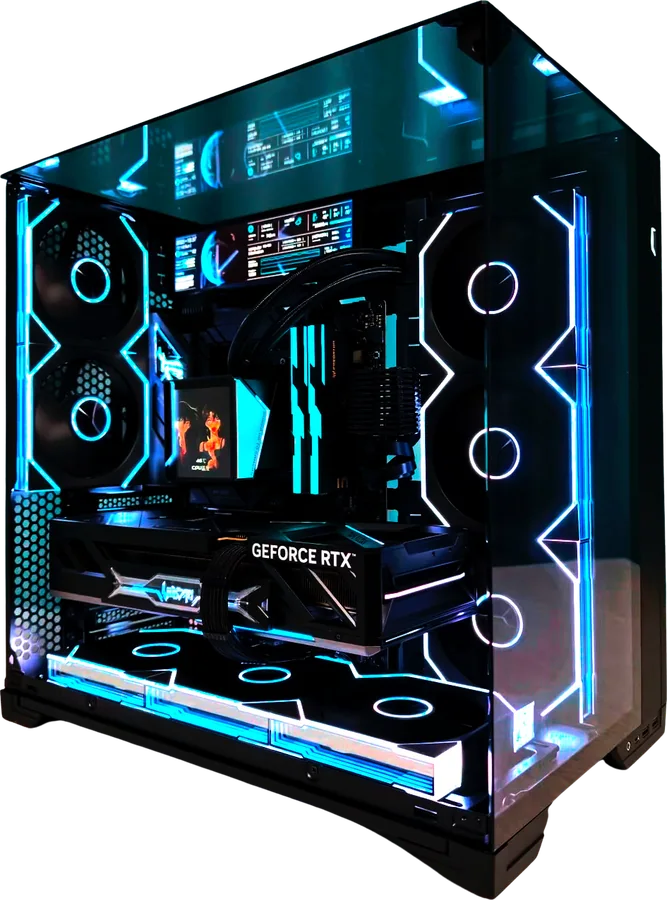
Choosing & Customising
From picking a case to swapping components, the questions that come up most while you customise.
How do I start building my custom PC?
On the home page, choose the Onyx or Ivory case and click the case card or “Start Your Build”, then follow the build configurator to pick a build tier and your hardware components. When you’re done, review the build summary before moving on to payment.
Choose your caseCan I modify a preset build?
Yes. The build tiers are simply a starting point: in the build configurator you can swap the available CPU, graphics card, memory, storage and other components, and the build summary and total price update as you choose.
Not sure which hardware to choose?
Use “Contact” to tell us your budget, what you’ll mainly use the PC for (for example gaming, design or office work) and the software or games you use most, and we’ll recommend hardware that fits your needs.
Get build advicePricing, Payment & Delivery
Currency, payment security, delivery coverage and order status.
What currency are prices shown in?
All prices on the site are in Singapore dollars (SGD). The home page shows starting prices, and your custom build’s total is calculated from the case and hardware components you choose. Please double-check the amount shown on the checkout page before paying.
How do I pay? Does the site store my card details?
Once your build is complete, you’ll be taken to a secure Stripe checkout page; the payment methods available are those shown at checkout. Card details are collected by Stripe, and this site never collects your card number or security code. Please don’t enter card details or passwords in the support form.
Where do you deliver, and how long does delivery take?
Checkout currently supports delivery addresses in Singapore, with no extra delivery fee. Sourcing, assembly and delivery times depend on your build, so please contact us for an estimated delivery date. If you need delivery to another region, please check with us first.
How do I check my order status after paying?
When you return to the site after checkout, the page shows your payment status; if it hasn’t updated yet, click “Refresh payment status”. If you have any questions about a payment or order, contact us with your order number and email address, and please don’t pay again.
After-Sales & Support
How to make a warranty claim, and how we get back to you after you submit a question.
How do I ask about the warranty or get after-sales help?
Every PulseForge PC comes with a 3-year full-system warranty covering hardware and assembly workmanship. To request after-sales support, contact us with your order number, the affected hardware and a detailed description of the fault, and we’ll verify and resolve it based on your order.
View warranty policyHow will you get back to me after I submit a support request?
Simply enter your email address and a description of the issue on the Contact page; you can also leave a phone number. Once submitted, your contact details and question are emailed to all of our administrators, and we’ll reply to the email address you provided. If sending fails, what you’ve entered is kept so you can try again later.
Fill in the support formTry another keyword, or contact us directly for help.
Contact usKeep Exploring PulseForge
Warranty terms, buying guides or a direct line to support.

Didn’t find your answer?
Tell us what’s going on and our support team will help you by email.