GAMING PC
Your First Gaming PC Starts Here
Work out what you play and which screen you play on, and the right specs follow naturally.
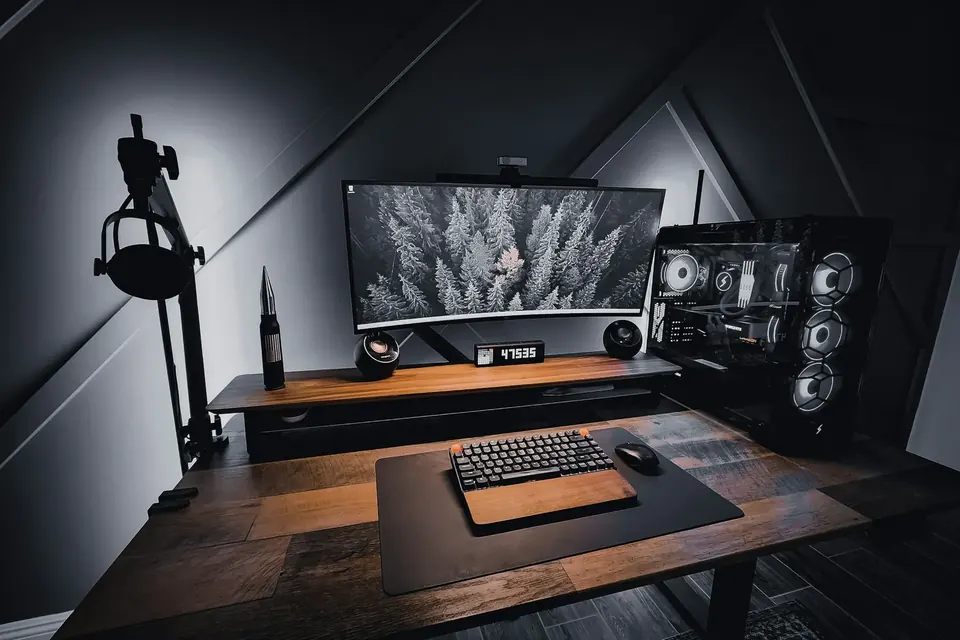
Don’t rush to compare specs. Settle on your games and monitor first, then pair a graphics card and CPU that suit each other — a balanced system is worth more than one top-tier part.
Who does what inside a PC
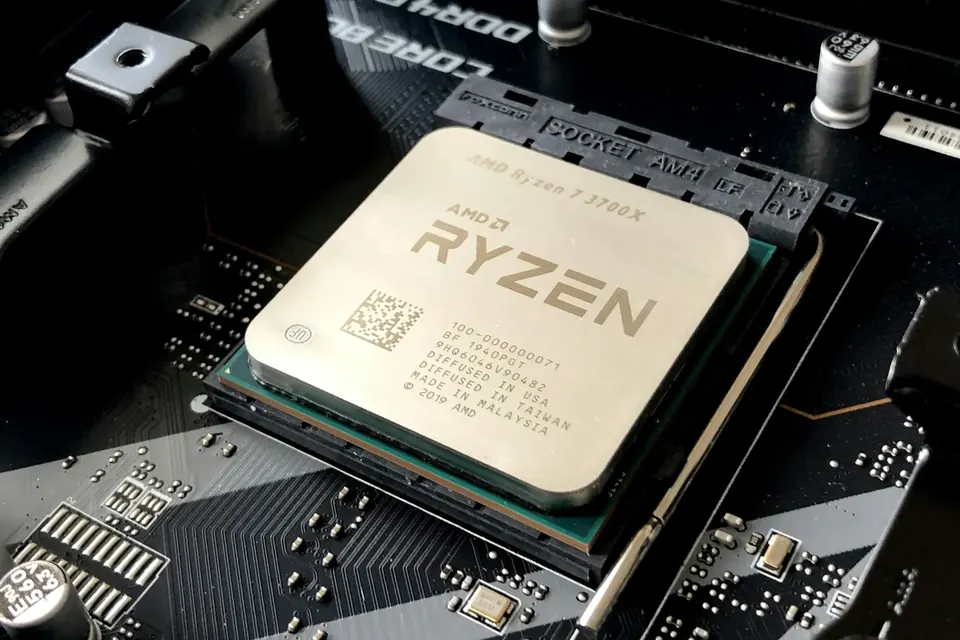
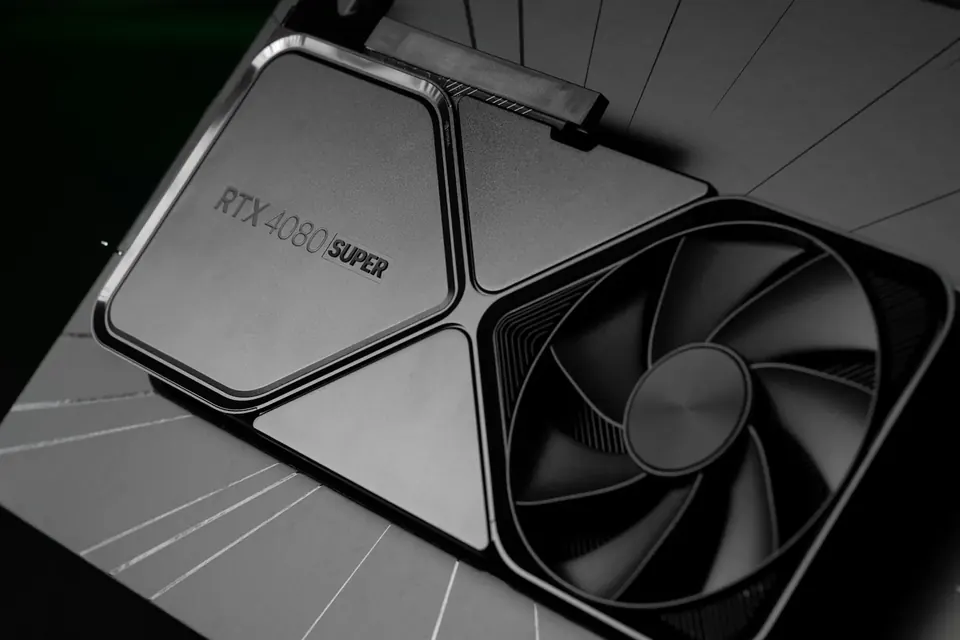
Taken apart, a PC isn’t complicated. The CPU runs the game logic and juggles every task, the graphics card draws the image, memory holds the data in use right now, and the SSD stores your system and games. The motherboard ties everything together, the power supply feeds it, and the CPU cooler and fans carry the heat away.
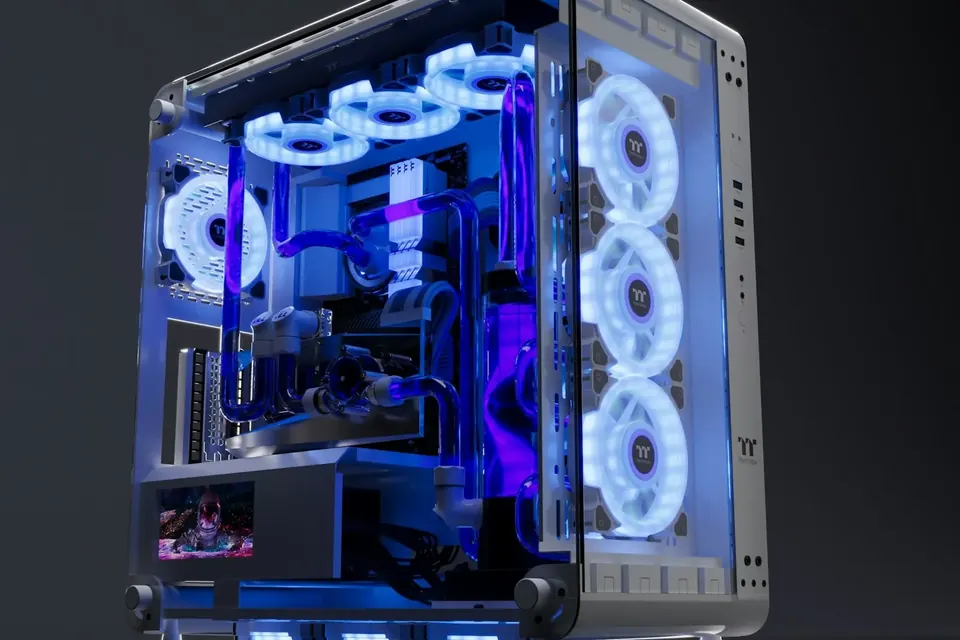
The case isn’t just a shell, either. It decides whether your hardware fits, whether air flows freely and how easy dust cleaning will be later on. As for RGB and glass side panels — they genuinely look great, but they won’t raise your frame rate.
Start with your monitor
1080p, 1440p and 4K describe how many pixels are on screen — the more pixels, the harder the graphics card has to work. 144Hz and 240Hz are the maximum number of times per second the display can refresh. If your PC can’t reach that frame rate, you won’t get the full benefit of a high-refresh monitor.
If you mainly play competitive titles and want consistently high frame rates, the CPU carries more weight. If you love single-player blockbusters with every setting maxed out at 1440p or 4K, put the money into the graphics card. Bottlenecks shift from game to game and scene to scene, so no single ratio works for everything.
How to split your budget
Try this order: first pick a graphics card that delivers your target visuals, then a CPU that can keep up with it, and finally round out memory, storage, the power supply and cooling. With today’s games plus apps running in the background, 32GB of memory is a very comfortable starting point.
Your SSD needs room for the system, the handful of games you play most and future updates. Don’t keep squeezing the power supply and cooling to save money — but don’t pay extra for high-end ports you’ll never use, either. Decide at the outset whether your monitor and peripherals come out of the same budget.
Streaming or editing? Think one step ahead
If you also want to stream while you play, edit video or work in 3D, look more closely at the CPU’s multi-core performance, the graphics card’s encoding capability, memory capacity and space for a project drive. Some software favours a particular graphics card brand, so a quick look at the official recommended specs before you buy can save a lot of hassle.
In the PulseForge build configurator you can start from one of three presets and fine-tune each part. Not sure? Send our team your budget, favourite games and monitor specs, and we’ll work through it with you. Prices and stock are as shown on the build and checkout pages.
This guide offers general buying advice. Examples reference our hardware catalogue and do not reflect live stock or guarantee the performance of any specific model. Manufacturer specifications govern compatibility; prices and available options are as shown in the build configurator.