02 / GPU
Choosing a Graphics Card Without Overspending
How much VRAM is enough? Is the OC edition worth it? A card’s quality isn’t written in its model number alone.
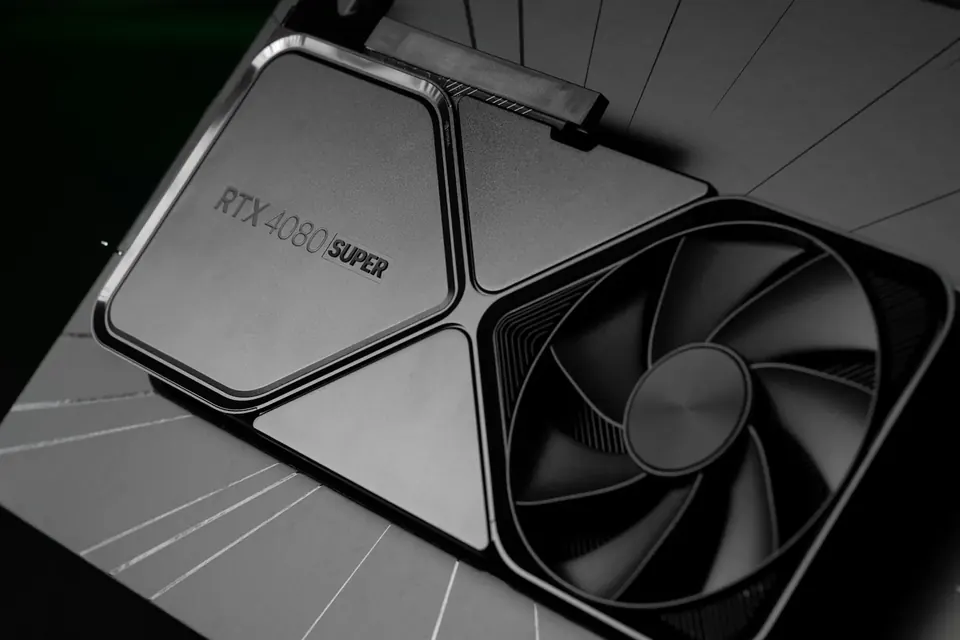
Choose a graphics card for your target resolution and the games you play most. VRAM matters, but more VRAM doesn’t mean more processing power.
The graphics card draws the picture
GPUs excel at massively parallel computing. They render most of what you see in games and also help with video processing, 3D rendering and some AI tasks. What we call a “graphics card” is the GPU chip together with its video memory, power delivery and cooler.
The higher the resolution and the more complex the lighting, the harder the card has to work. When choosing, look at real-world benchmarks of the games you play at your target resolution, rather than treating the model number as a frame-rate guarantee.
12GB or 16GB of VRAM?
VRAM holds the textures, frame buffers and compute data the card is working on. High resolutions, HD texture packs and some creative software use more of it; when it runs out, you may see stuttering or have to turn texture quality down.
VRAM and system memory are two different things — 32GB of system memory can’t make up for a VRAM shortfall. And a 16GB card isn’t necessarily faster than a 12GB one: architecture, compute power, bandwidth and game optimisation all play a part.
Ray tracing, DLSS and frame generation
GDDR6 and GDDR7 are different generations of video memory. Actual bandwidth also depends on memory speed and bus width, so newer memory doesn’t automatically make a card faster than a previous-generation high-end model.
Ray tracing makes lighting and reflections more realistic, at the cost of far heavier computation. DLSS, FSR and similar technologies reconstruct the image to gain performance, with results varying by card and by game. The high FPS from frame generation isn’t quite the same as natively rendered frames, and input latency differs too.
Make sure it fits — and is properly powered
OC usually refers to a factory-overclocked edition. The gap is typically small, so cooling, noise and price are just as worth comparing. High-end cards tend to be long and thick, so check your case clearance before building.
Power is just as critical: choose a power supply that meets the card maker’s recommended system wattage, use the correct power connector, push the plug fully home and leave room for the cable to bend. Fan count and looks can wait until last.
This guide offers general buying advice. Examples reference our hardware catalogue and do not reflect live stock or guarantee the performance of any specific model. Manufacturer specifications govern compatibility; prices and available options are as shown in the build configurator.