SINGAPORE / CASE
Choosing a PC Case in Singapore
Panoramic glass looks stunning, but in a tropical climate, airflow and placement matter just as much.
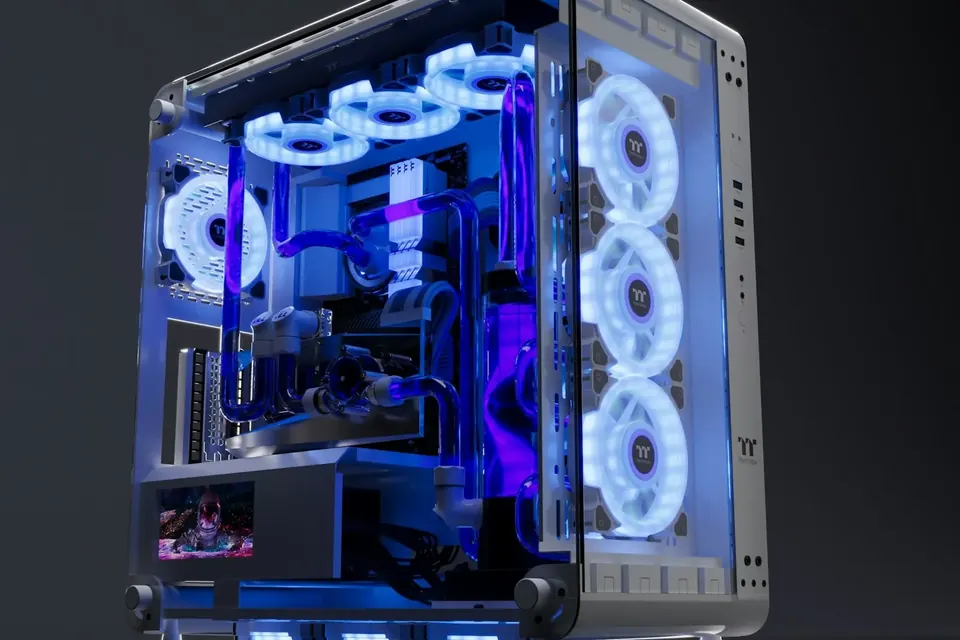
Singapore is warm all year round, so how freely a case can draw air in and push it out matters more than an extra pane of glass. You can have good looks and low temperatures together — provided the airflow is designed properly.
Case or complete PC? Don’t mix them up
A case is simply the enclosure that houses the hardware; a complete gaming PC also includes the CPU, graphics card, memory, storage, motherboard, power supply and cooling. When browsing, first check whether you’re looking at an empty case or a complete system, and don’t assume the starting price shown on a case image applies to every configuration.
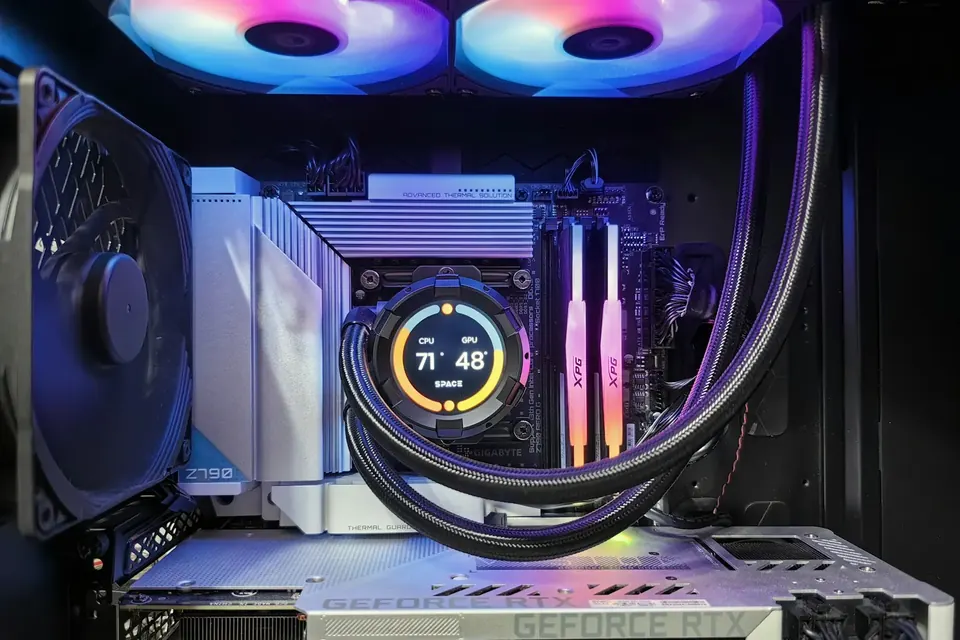
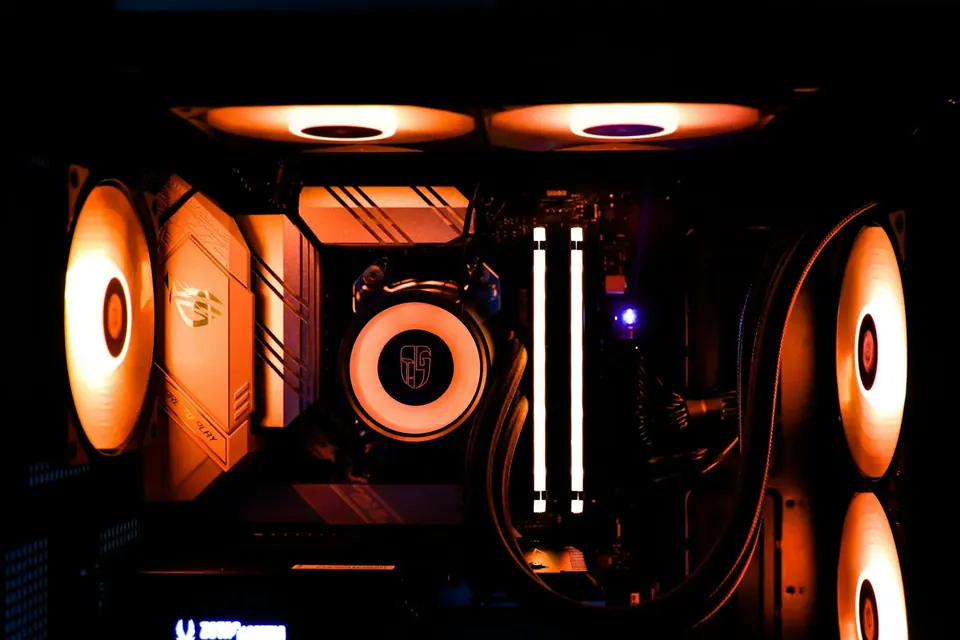
Panoramic glass cases show off the interior through large glass panels — ideal if you love tidy cable management and lighting. Glass itself doesn’t cool anything, though; the real air exchange happens through the intakes, exhausts and fans on the other panels.
In the tropics, airflow matters even more
The warmer the room, the less cooling headroom your hardware has. The same machine can run noticeably hotter and louder in a stuffy room than in an air-conditioned one. When choosing a case, prioritise intakes that won’t easily be blocked.
Don’t squeeze your PC into an enclosed cabinet or push its exhaust right up against a wall — leave space all around for ventilation and maintenance. Humidity, meanwhile, isn’t something a few extra fans can fix; just keep liquids well away and keep dust to a minimum.
Measure first, then check clearances
External dimensions mainly tell you whether the case will fit on or under your desk. For the 425 × 285 × 483 mm listed on our home page, for example, read the figures in the order the page specifies. And external size isn’t the same as usable space inside.
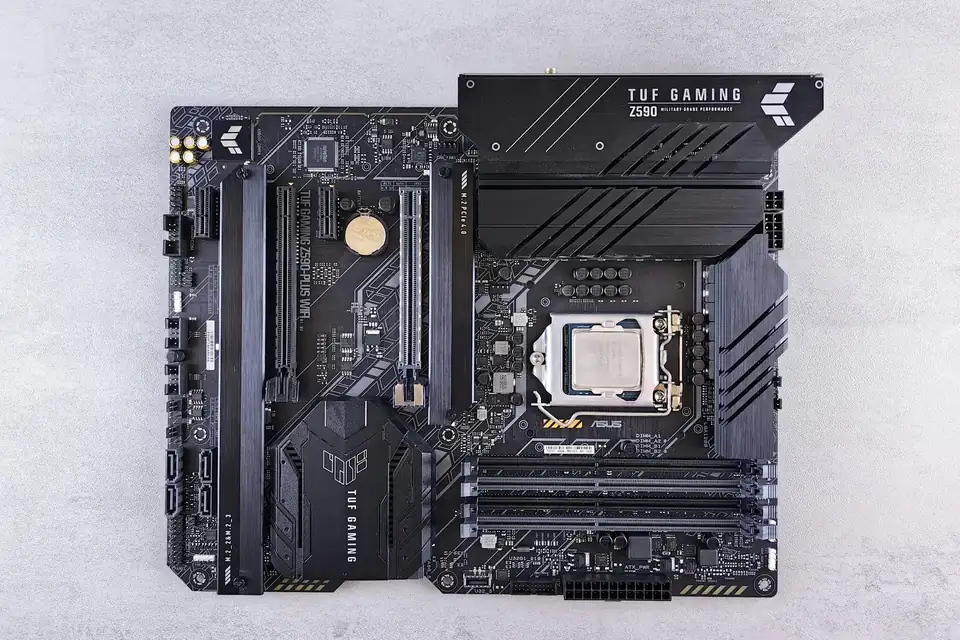
You’ll also need to check the motherboard form factor, graphics card length and thickness, air cooler height clearance, power supply length, and radiator sizes and mounting positions. Even if a case supports a 360mm radiator, make sure the radiator plus fans aren’t so thick that they foul the motherboard, memory or graphics card.
Black or white? Let your desk decide
Black is understated and timeless, while white shows off the layers inside. Colour itself has no effect on performance. Matching the motherboard, graphics card, memory and fans looks fantastic, but performance and compatibility always come first and looks second.
Before ordering, confirm the full hardware list, SGD total, delivery arrangements and warranty terms. We currently offer free delivery in Singapore and a 3-year full-system warranty. Before routine dust cleaning, shut down and unplug, clean the filters as instructed, and never open the power supply casing yourself.
This guide offers general buying advice. Examples reference our hardware catalogue and do not reflect live stock or guarantee the performance of any specific model. Manufacturer specifications govern compatibility; prices and available options are as shown in the build configurator.