01 / CPU
CPUs: Do More Cores Always Mean Faster?
What really separates 6 cores from 8, and why are X3D chips such a hit with gamers?
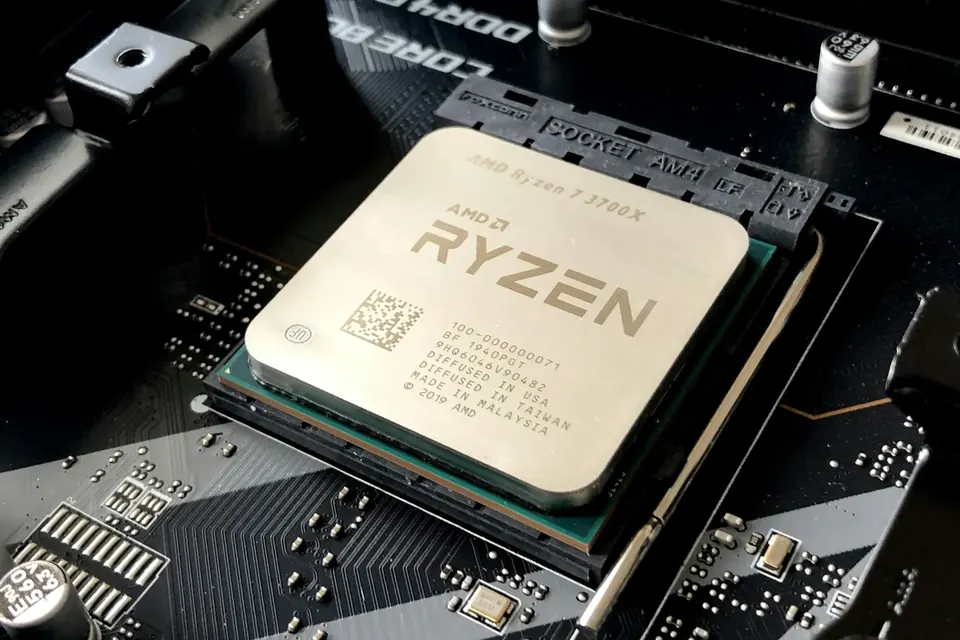
Core count is only one dimension. Gaming performance also depends on architecture, cache, clock speed and power — and on the graphics card and the game itself.
What keeps a CPU busy
The CPU executes programs: game logic, physics, background tasks and system scheduling all fall to it. Before the graphics card can draw a frame, the CPU has to prepare what needs drawing — which is why both affect your frame rate.
In competitive games at low settings chasing high frame rates, CPU differences tend to show more clearly; at 4K with high settings, most of the load shifts to the graphics card. A CPU model number alone can’t tell you how a whole system will perform across every game.
What “6 cores, 12 threads” means
Cores are the execution units inside the processor that do the real work; threads are logical lanes the system can schedule. The “6 cores, 12 threads” and “8 cores, 16 threads” you’ll see in our catalogue reflect different parallel capability, but 16 threads doesn’t mean 16 physical cores.
Rendering, compiling and heavy multitasking thrive on cores; whether a game can make use of more of them depends on its engine and the scene. More cores won’t raise frame rates proportionally, and you certainly can’t compare different architectures just by counting cores.
Clock speed, cache and X3D
GHz is clock speed. Within the same architecture, higher is faster, but different CPU generations get different amounts of work done per cycle, so GHz alone isn’t the whole story. The advertised maximum boost clock also isn’t a speed every core can sustain all the time.
Cache is the CPU’s high-speed storeroom, right beside it. AMD’s X3D models (such as the R7-9800X3D) stack an extra layer of cache, which makes them stand out in many games — hence their popularity with gamers. In other applications they aren’t necessarily faster, so choose by what you’ll actually do.
Before you buy: check the platform and cooling
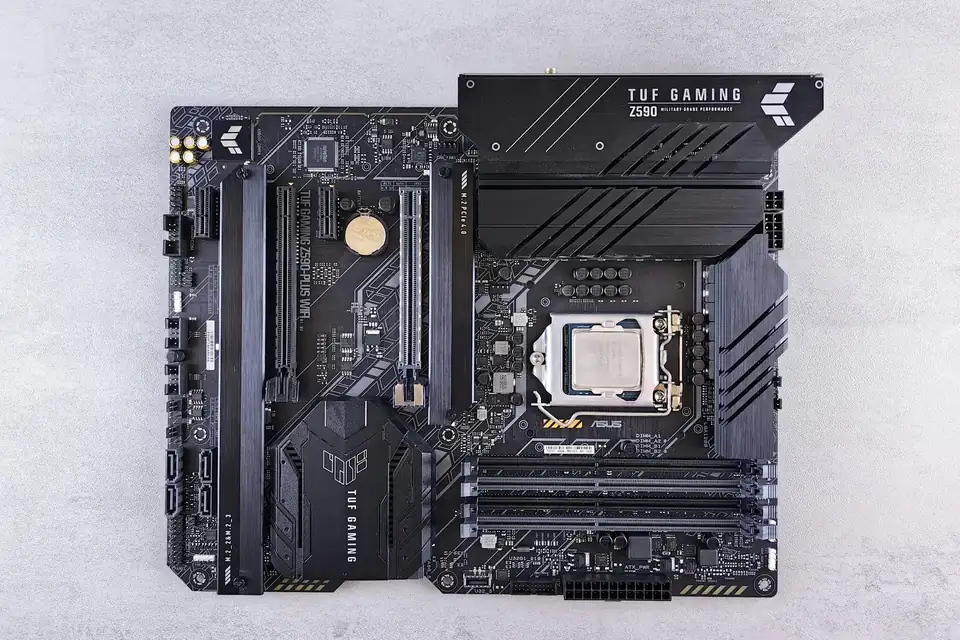
The CPU must match the motherboard socket — an AM5 processor needs an AM5 motherboard, for instance — and you need to confirm the motherboard’s BIOS supports that model. Fitting the socket doesn’t mean every BIOS version will recognise it.
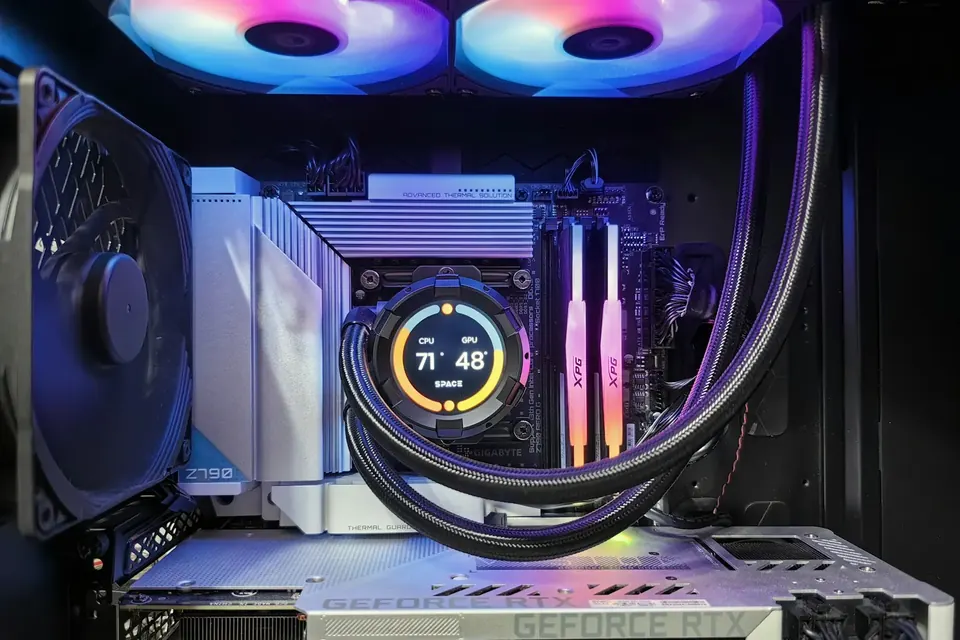
The CPU cooler needs the right mounting bracket and enough capacity to handle the chip’s heat. TDP is only a design reference: it isn’t actual power draw, let alone whole-system consumption. Final temperatures, noise and sustained performance also depend on case airflow, room temperature and power settings.
This guide offers general buying advice. Examples reference our hardware catalogue and do not reflect live stock or guarantee the performance of any specific model. Manufacturer specifications govern compatibility; prices and available options are as shown in the build configurator.