08 / FANS
Case Fans: How Many, and Which Way?
More fans isn’t always better — point them the right way and both temperatures and noise come down.
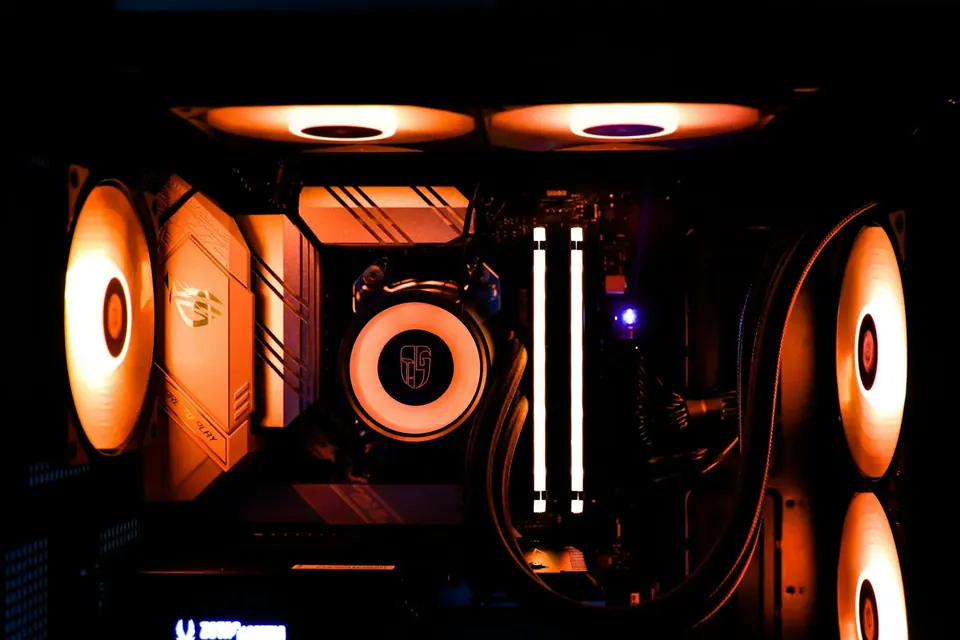
Sort out intake and exhaust directions first, then think about fan count and lighting. Sensible airflow does more than two extra fans.
A fan’s job is air exchange
Case fans bring cool air in from outside and push out the air your hardware has heated. However good your graphics card and CPU cooler are, if hot air can’t escape the case, temperatures will slowly creep up.
The faster a fan spins, the more air it moves — and the louder it gets. Good airflow lets fans keep temperatures in check at lower speeds, so you can have quiet and cool at the same time.
Arranging intake and exhaust
A common approach is intake at the bottom and side, with exhaust at the top and rear, following hot air’s natural tendency to rise. Fans carry arrow markings — one shows the spin direction, the other the airflow direction — so check them before installing.
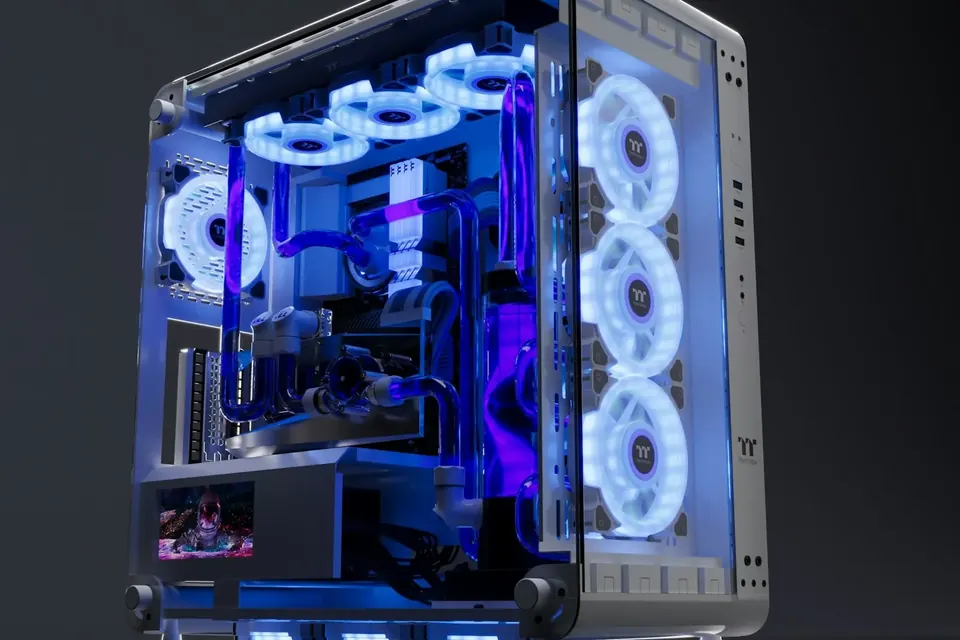
With slightly more intake than exhaust, the case develops mild positive pressure, so dust enters mainly through the filtered intakes and is easier to clean. The exact layout depends on the case design; panoramic glass cases usually draw air in through the side and bottom.
Size, speed and noise
120mm and 140mm are the most common sizes. For the same airflow, a larger fan can spin more slowly and more quietly. Before buying, check the sizes and number of fans each position in your case supports.
4-pin PWM fans let the motherboard adjust their speed automatically by temperature, giving finer control than 3-pin fans. Set a suitable fan curve in the BIOS or software and you’ll barely hear them under light everyday loads.
Lighting and cabling
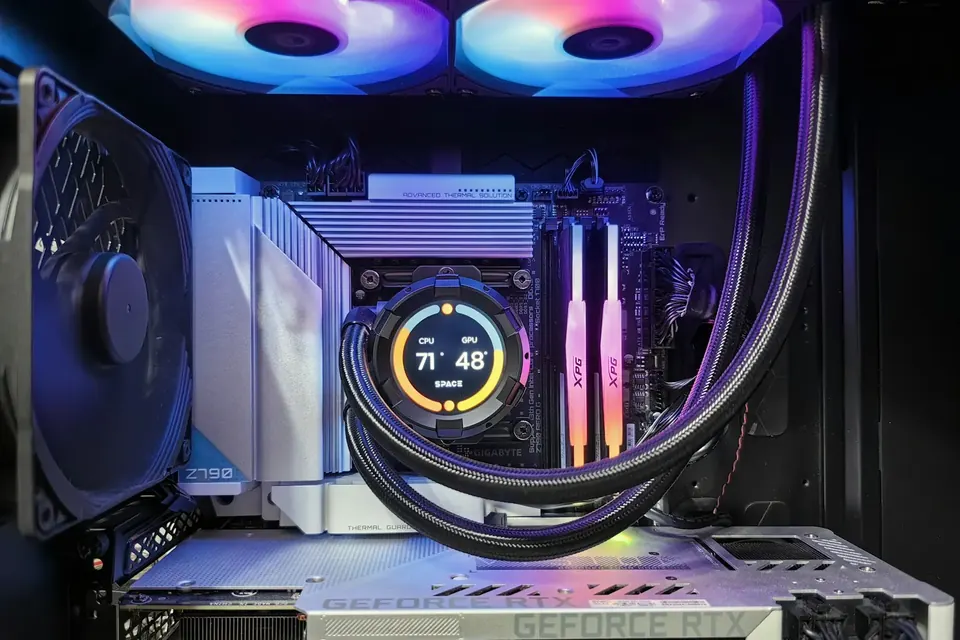
Our build catalogue offers Lian Li TL, SL-INF and other fans; some models have LCD screens and support daisy-chaining, which saves a lot of cabling. The lighting looks great, but remember: it won’t lower your temperatures.
With ARGB fans, make sure you connect them to a 5V 3-pin header, not a 12V 4-pin RGB header. If you’d like advice on how many fans and which lighting to pair, ask our team at any time while you build.
This guide offers general buying advice. Examples reference our hardware catalogue and do not reflect live stock or guarantee the performance of any specific model. Manufacturer specifications govern compatibility; prices and available options are as shown in the build configurator.