
Build Guides
Know the hardware, then pick your PC
Ten short reads, from your first gaming PC to every part — just what matters when you buy.
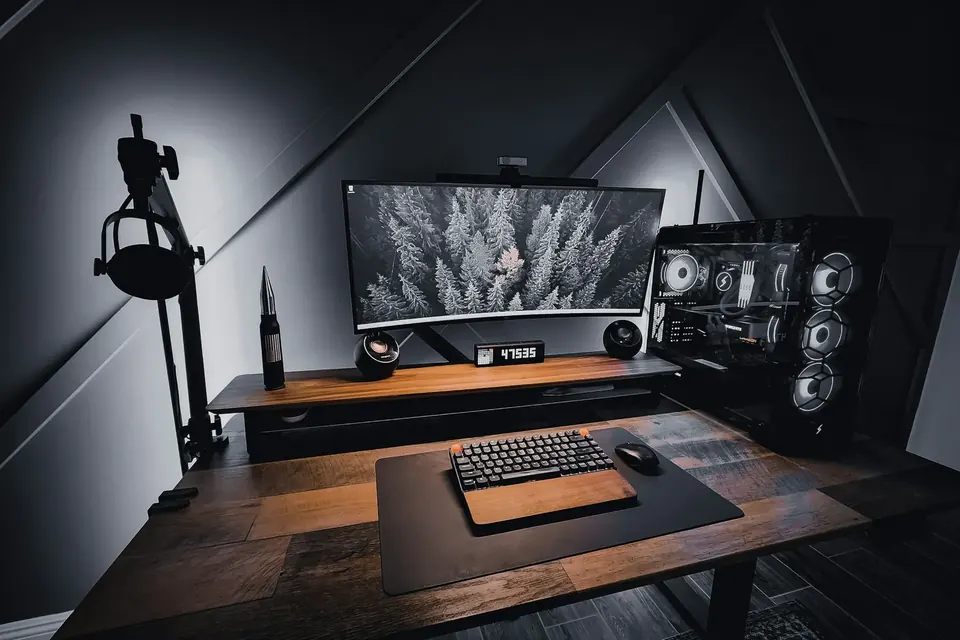
GAMING PC
Your First Gaming PC Starts Here
Work out what you play and which screen you play on, and the right specs follow naturally.
Start readingGetting Started
First build? Start here.
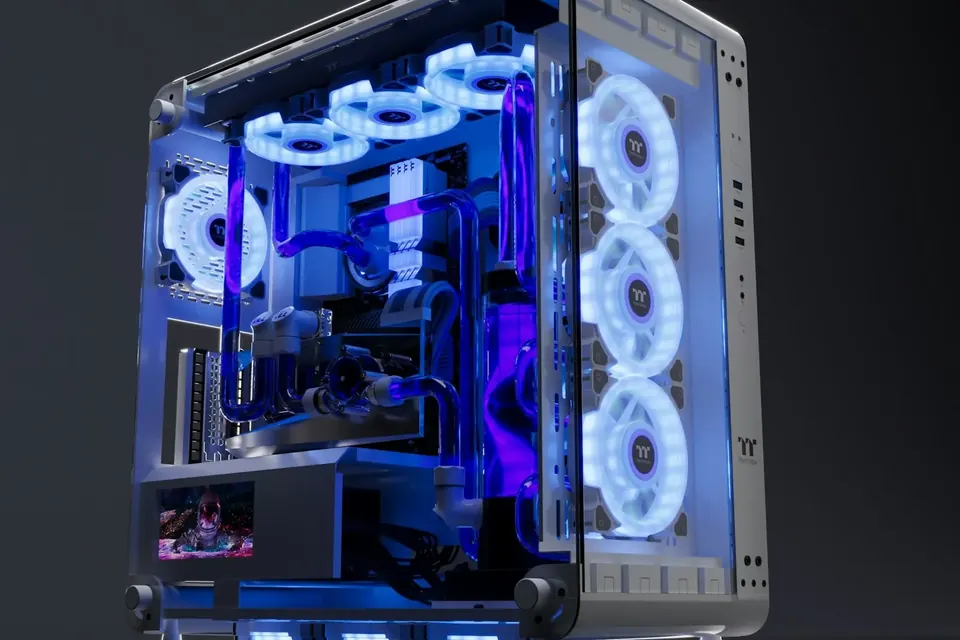
Hardware Basics
One part at a time.
-
03
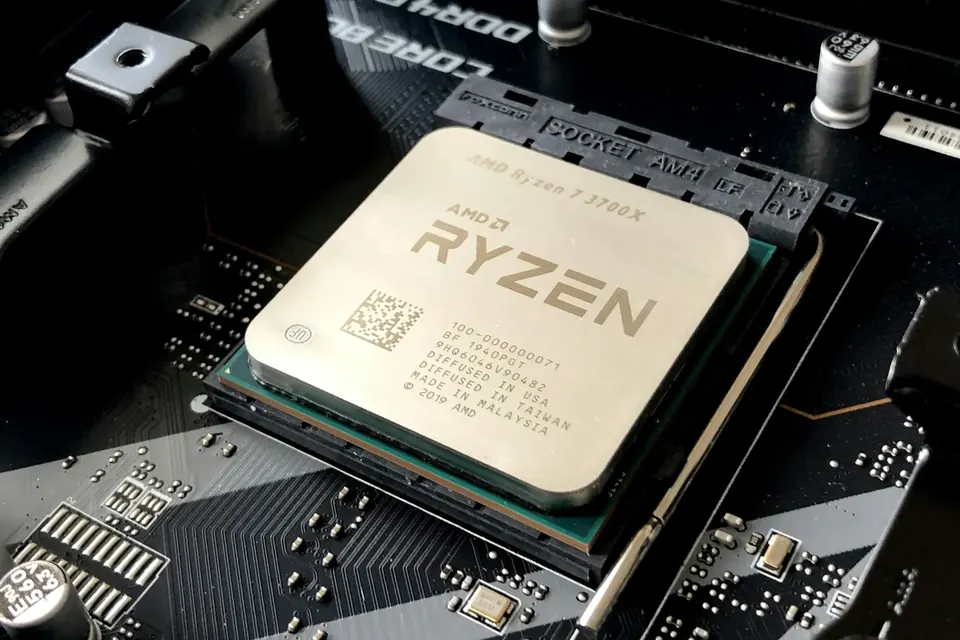 CPUs: Do More Cores Always Mean Faster?What really separates 6 cores from 8, and why are X3D chips such a hit with gamers?
-
04
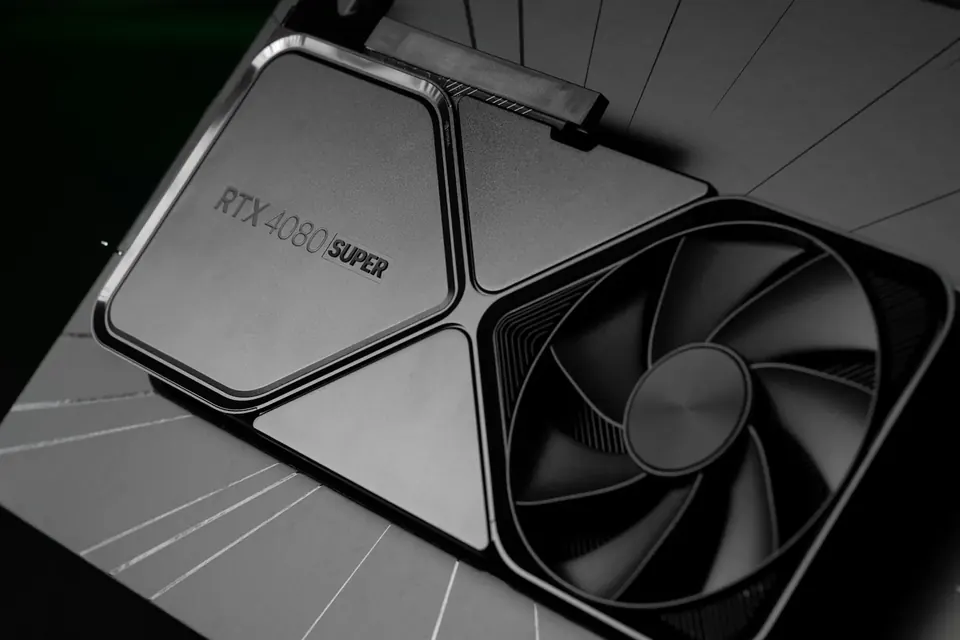 Choosing a Graphics Card Without OverspendingHow much VRAM is enough? Is the OC edition worth it? A card’s quality isn’t written in its model number alone.
-
05
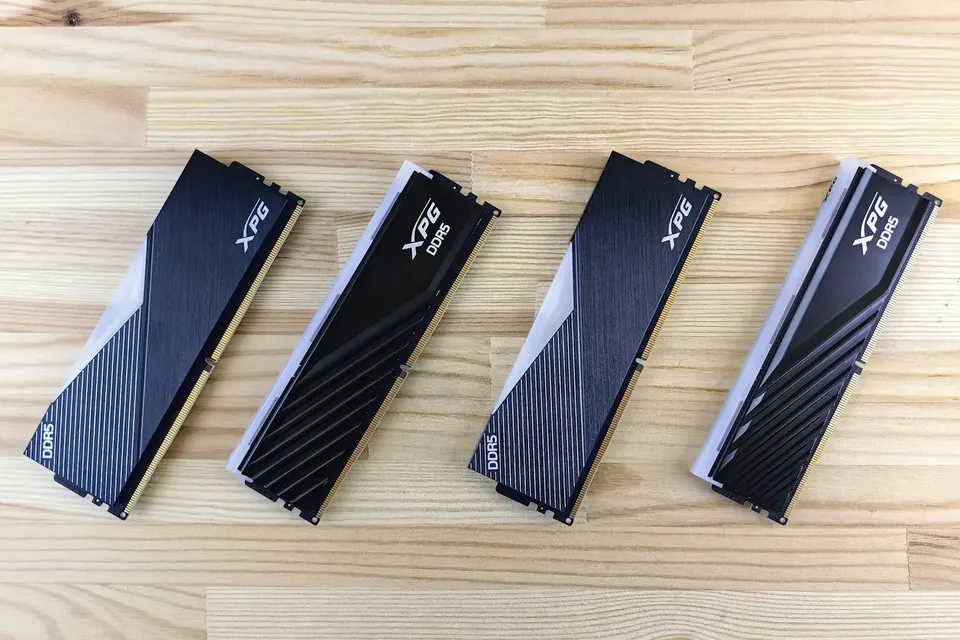 Memory: Is 32GB Enough?16GB×2, DDR5-6000, CL28 — all those numbers, explained in one go.
-
06
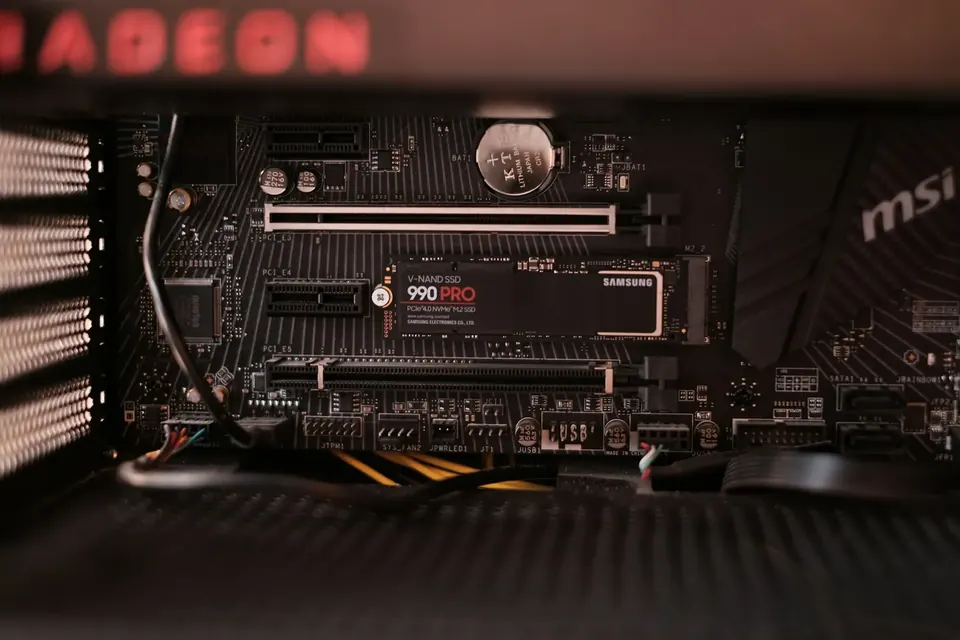 Choosing an SSD: Look Beyond Speed7000MB/s is fast, but for gaming, capacity often matters more.
-
07
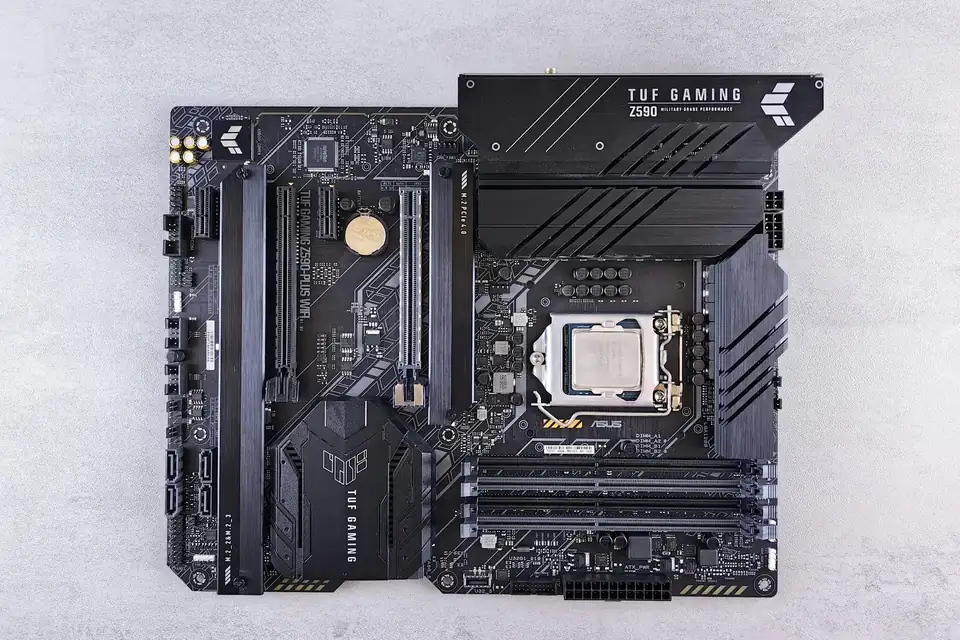 What Makes Motherboards Pricey? B850 vs X870A motherboard doesn’t directly decide your frame rate, but it does decide how you can upgrade later.
-
08
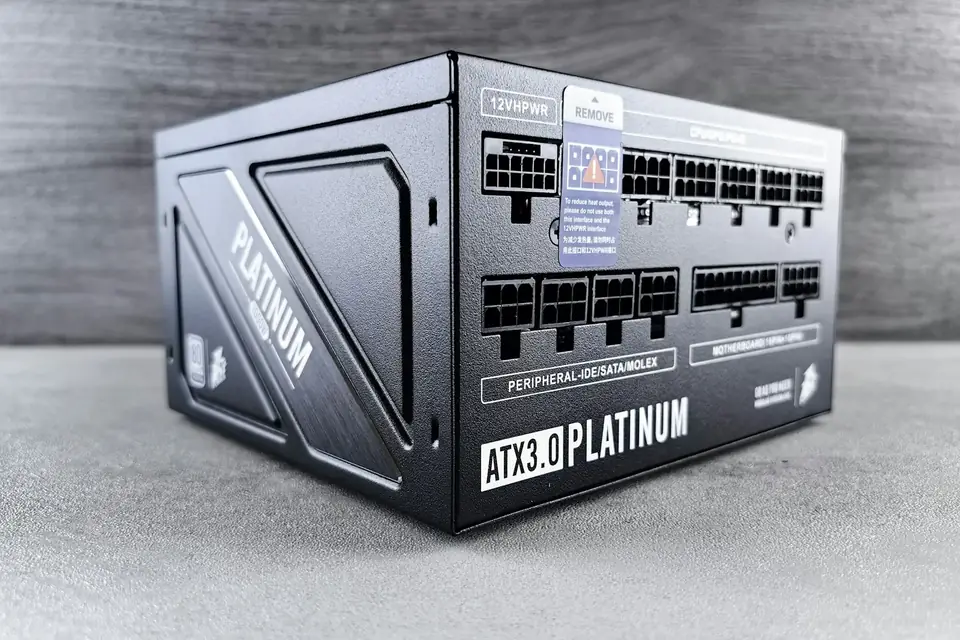 Power Supplies: Never Cut Corners HereEnough wattage is only the starting point — quality and protection decide how stable your PC is.
-
09
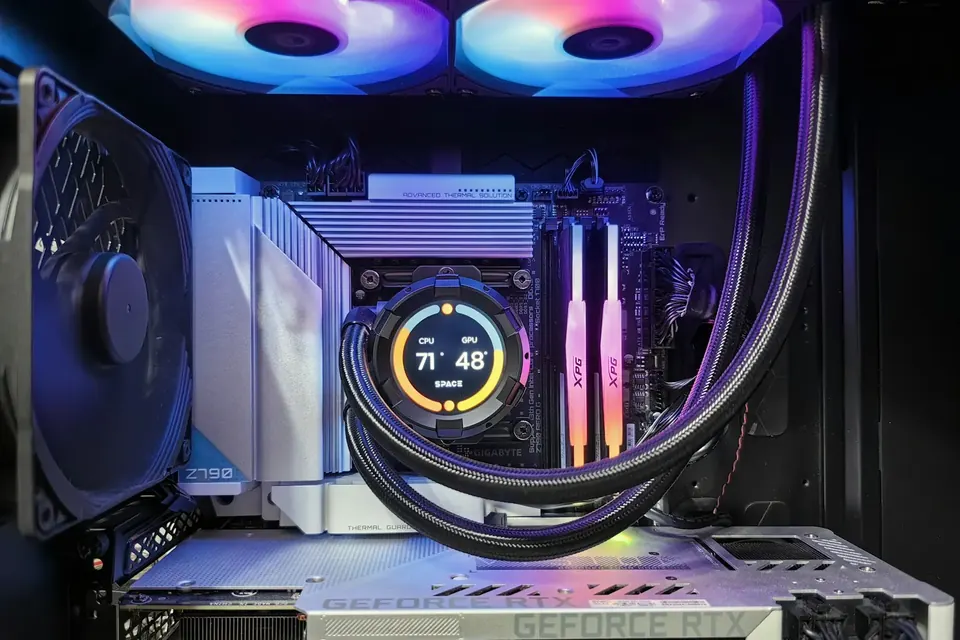 Air or Liquid Cooling? Clearly ExplainedA CPU cooler isn’t only about temperature — noise, looks and maintenance count too.
-
10
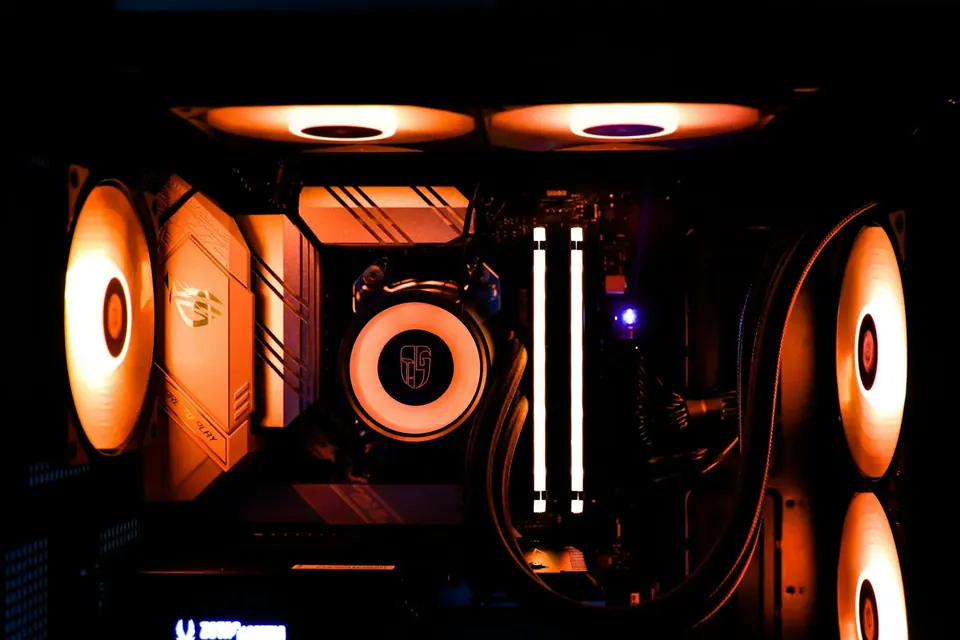 Case Fans: How Many, and Which Way?More fans isn’t always better — point them the right way and both temperatures and noise come down.
Done reading? Start building your PC
Choose Onyx or Ivory, start from a preset build and fine-tune each part to suit you.